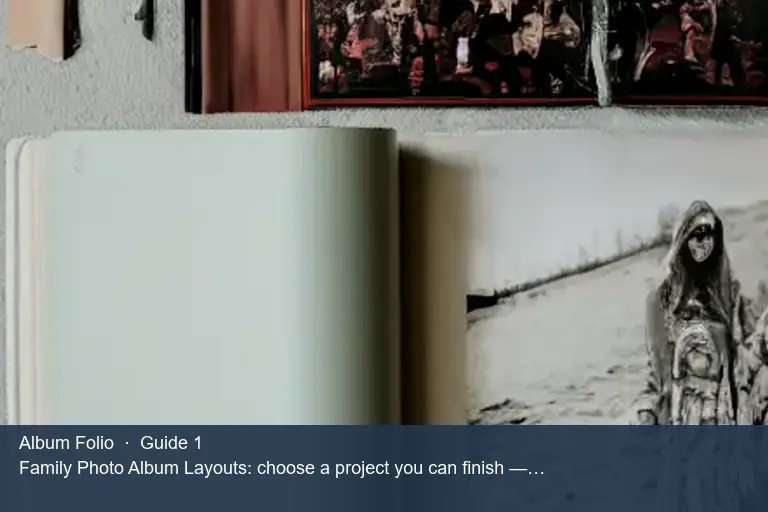
Family Photo Album Layouts: choose a project you can finish — compact plan for a first practice project; setup with paper records
Title: Family Photo Album Layouts: Choose a Project You Can Finish
When it comes to family photo album layouts, there are endless possibilities for making the most out of your collection. But for those looking to start a new project, there is a simple, practical approach to take: choose a project you can finish. In this article, we'll discuss how to choose a project for a family photo album layout, and provide you with a starting point for your next step.
Step 1: Understanding Your Collection
Before you can begin to choose a project, you need to understand the contents of your collection. Is it a family album with family portraits, or is it a collection of family photos that has been organized and saved? Is it a collection of photos from a specific event or time, or is it a collection of photos from a general period of time? Understanding the contents of your collection will help you to make a selection that suits your needs and will give you a better chance of completing the project.
Step 2: Assessing Your Preferences
Once you have a clear understanding of your collection, it's time to assess your preferences. What do you prefer in a photo album layout? Do you prefer a layout that is simple and easy to read, or a layout that is more complex and visually appealing? Do you prefer a layout that is designed to fit the space available in the album, or a layout that is designed to fit the space of the photographer? Understanding your preferences will help you to choose a layout that will best suit your needs and will give you a better chance of completing the project.
Step 3: Selecting a Project
With your understanding of your collection and your preferences in mind, it's time to select a project. You have two options, either to use a family album layout or a photo album layout. A family album layout is a collection of family portraits, while a photo album layout is a collection of photos from a specific event or time. For the purposes of this article, let's assume you have a family album layout. In this case, you have a collection of family portraits, which is a great choice for a family photo album layout because it is a collection of photos from a specific event or time. You can then use a photo album layout to make the most of your collection.
Step 4: Creating Your Project
With your project selected, it's time to create your project. This is where the fun begins. The first step is to create a layout. A layout is a set of photos that are arranged in a specific order. In this case, the photos in your family album layout are arranged in chronological order, which is a great choice for a family photo album layout because it is a collection of photos from a specific event or time. The second step is to add captions to your photos. Captions are the words that describe what the photo is about, and they can be used to make the photo more interesting and visually appealing. In this case, you can add captions to each photo in your family album layout to make the photo more interesting and visually appealing.
Step 5: Finalizing Your Project
With your project complete, it's time to finalize your project. This is where the final touches come in. The final touches are the things that make your project unique and make it stand out. In this case, the final touches are the things that make your family photo album layout stand out. These include things like the color and texture of the photos, the way they are arranged, and the way they are captioned. In this case, the final touches are the colors and textures of the photos, the way they are arranged, and the way they are captioned.
In conclusion, when it comes to choosing a project for a family photo album layout, there are endless possibilities for making the most out of your collection. With a family album layout, you can create a collection of family portraits, while a photo album layout is a collection of photos from a specific event or time. The first step is to understand your collection, your preferences, and your project, then select a project, create your project, and finalize your project. With these steps, you can create a family photo album layout that is unique and stands out.